
Built-in Mobile Apps
Download
Operating System requirements
iOS
Let's Sign app is compatible with any Apple device running an official version of iOS 11.0 or higher.
Both Touch ID and Face ID are supported for user authentication.
The application doesn't run on jailbroken devices.
Android
Let's Sign app is compatible with Android devices running Android 4.4 (API 19) or higher.
Fingerprint authentication is available only for devices using official Android API (starting from Android 6.0).
The application doesn't run on rooted devices.
Supported enrollment mechanisms
User enrollment is an important step to ensure a correct security level. The mobile app provides different ways to enroll a user into the app.
The enrollment is based on a username and an activation code that can be used only once within a configurable period (one-time code). Both the username and activation code must are managed and must provided by the Mobile Gateway.
The following example shows the content of the enrollment info including the Mobile Gateway URL.
{
  "serverUrl":"https://mycompany.com/sense/appserver/Server",
  "username":"testuser@domain.com",
  "code": "6H20-42DK-SLDJ-23K1",
  "validUntil":1536778813842
}
QRCode
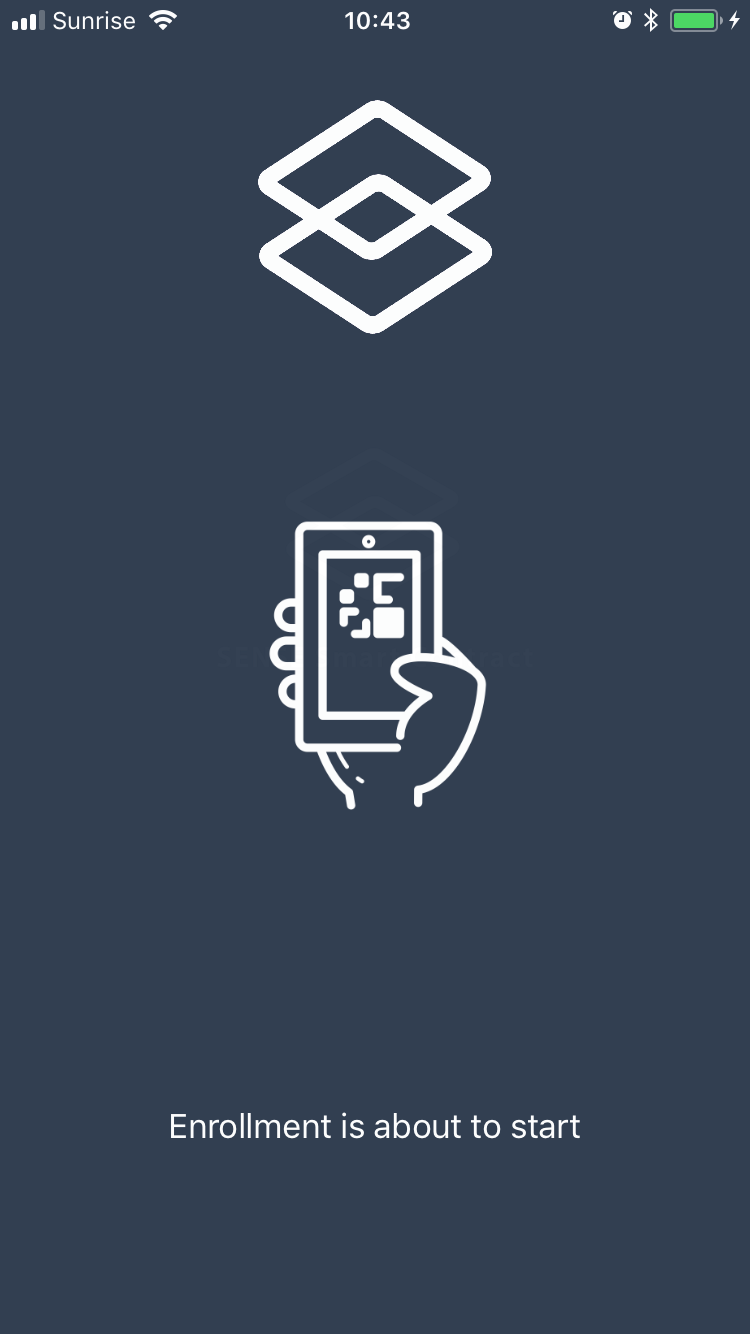
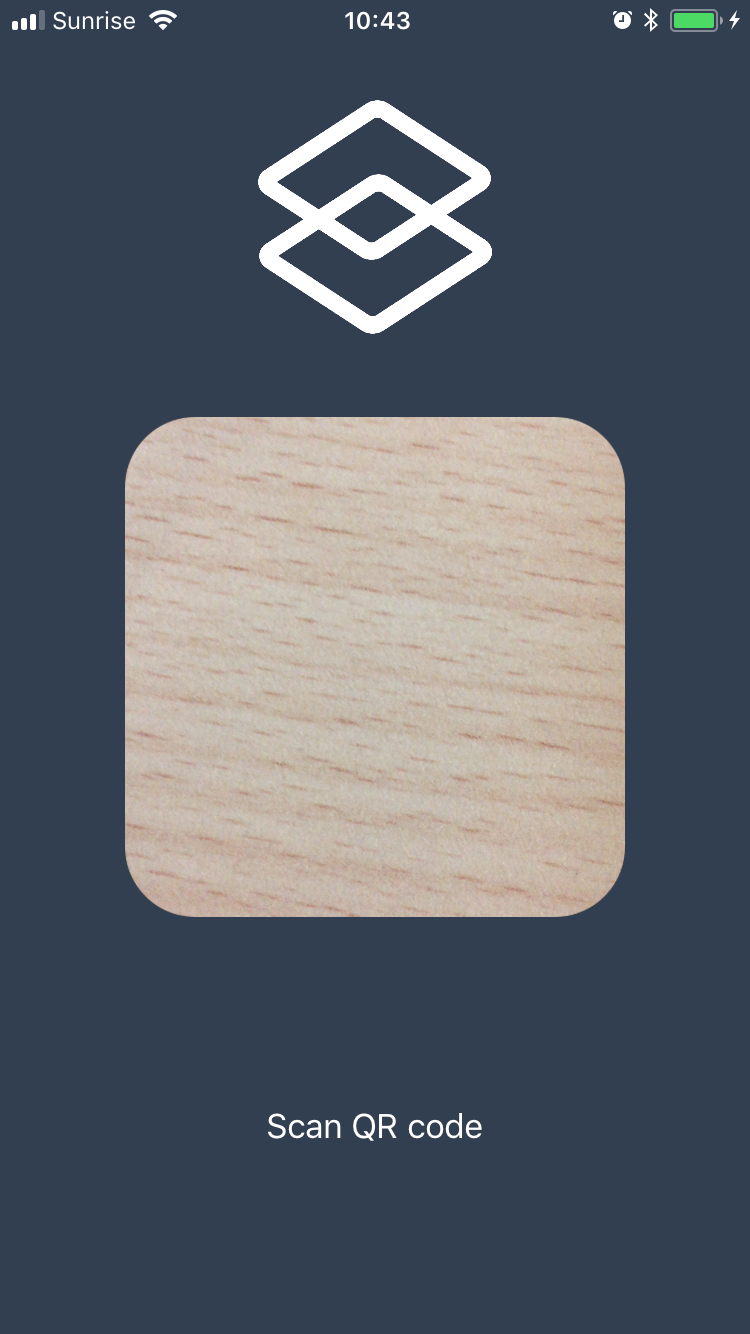
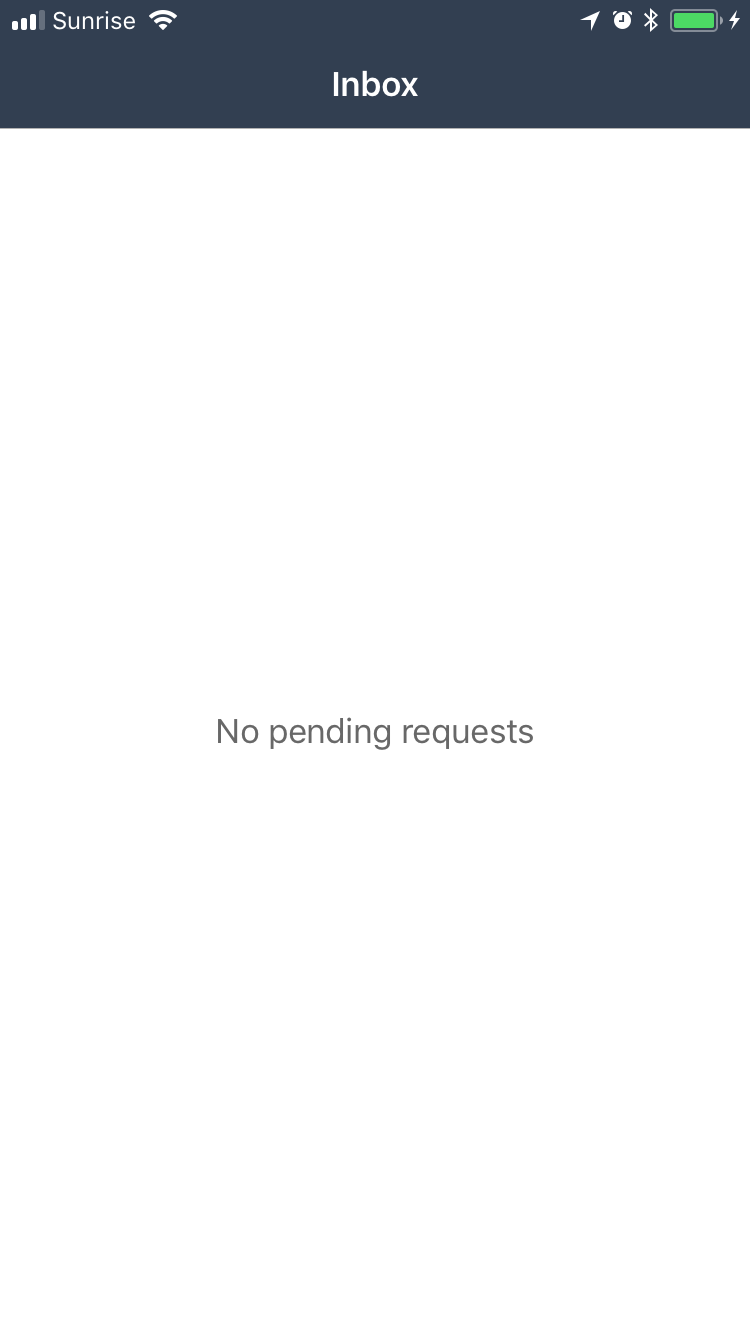
The first time the user launch the app, a barcode scanner is displayed and the user is invited to scan a QRCode received by the company and containing the enrollement info. After scanning the code, the user is enrolled and can authenticate again in the app using the biometric authentication system provided by the OS.
 |  |  |  |
|---|
Enrollment from third-party app
The enrollment info can be provided to Let's Sign app by an other app installed on the device or from a web page. This is a very convenient way to enroll the user if he has already access to a mobile or a web application of the company.
Let's Sign app will listen to a URL that contain the base-64 encoded enrollment info as parameter.
Example of the URL :
smartcontract://enrollment?enrollmentInfo=eyJjb2RlIjo...Authentication
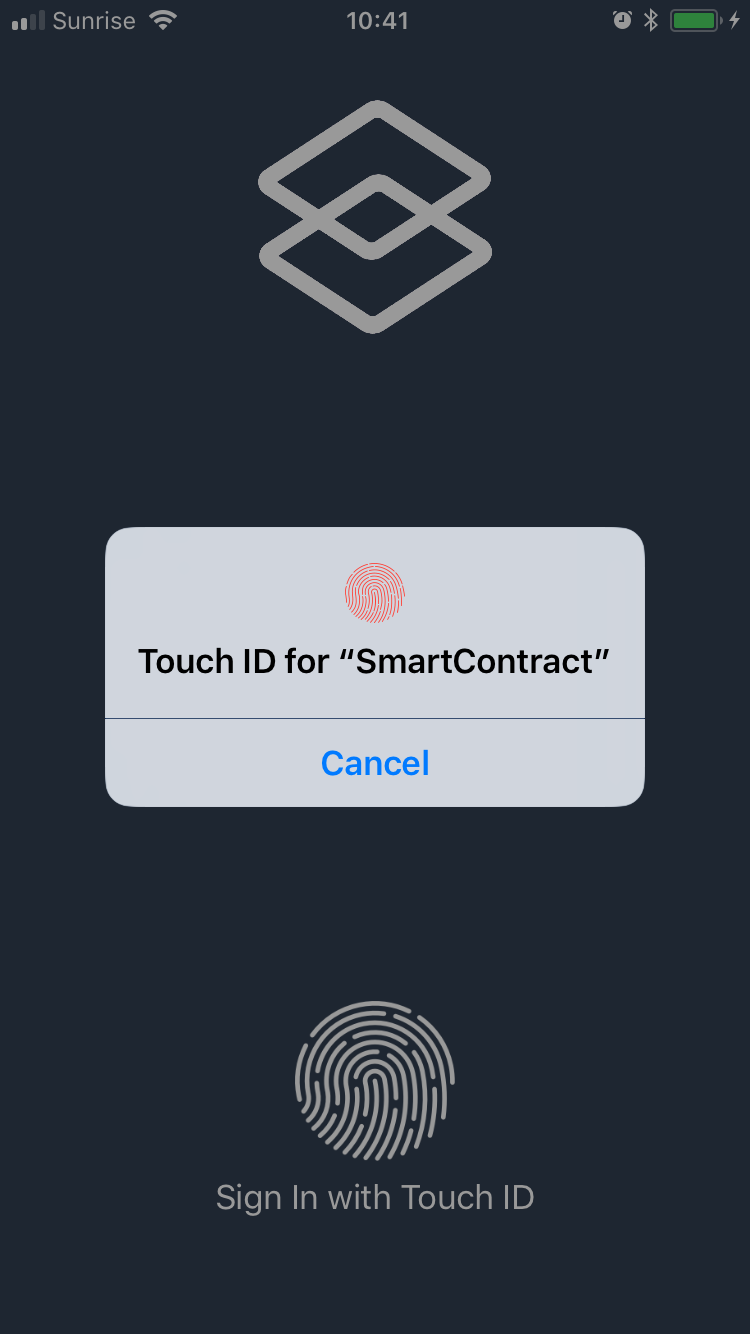
Once the user is enrolled into the application, he will need to authenticate itself every time he come back into the app after a long period. On iOS, the biometric authentication is widely adopted by the user and available on all supported devices. This is the only possible way to authenticate into the app.
 |  |  | |
|---|
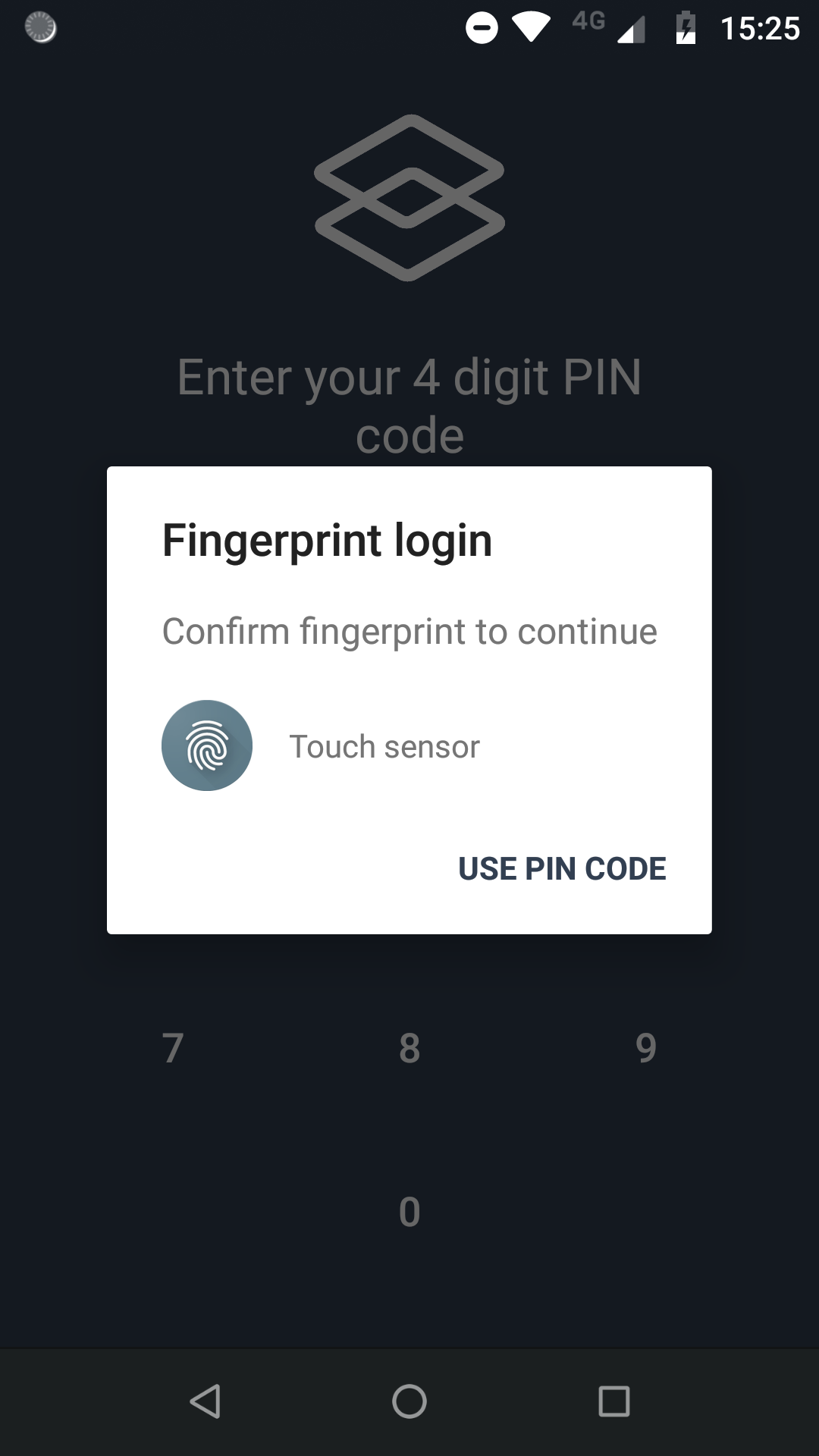
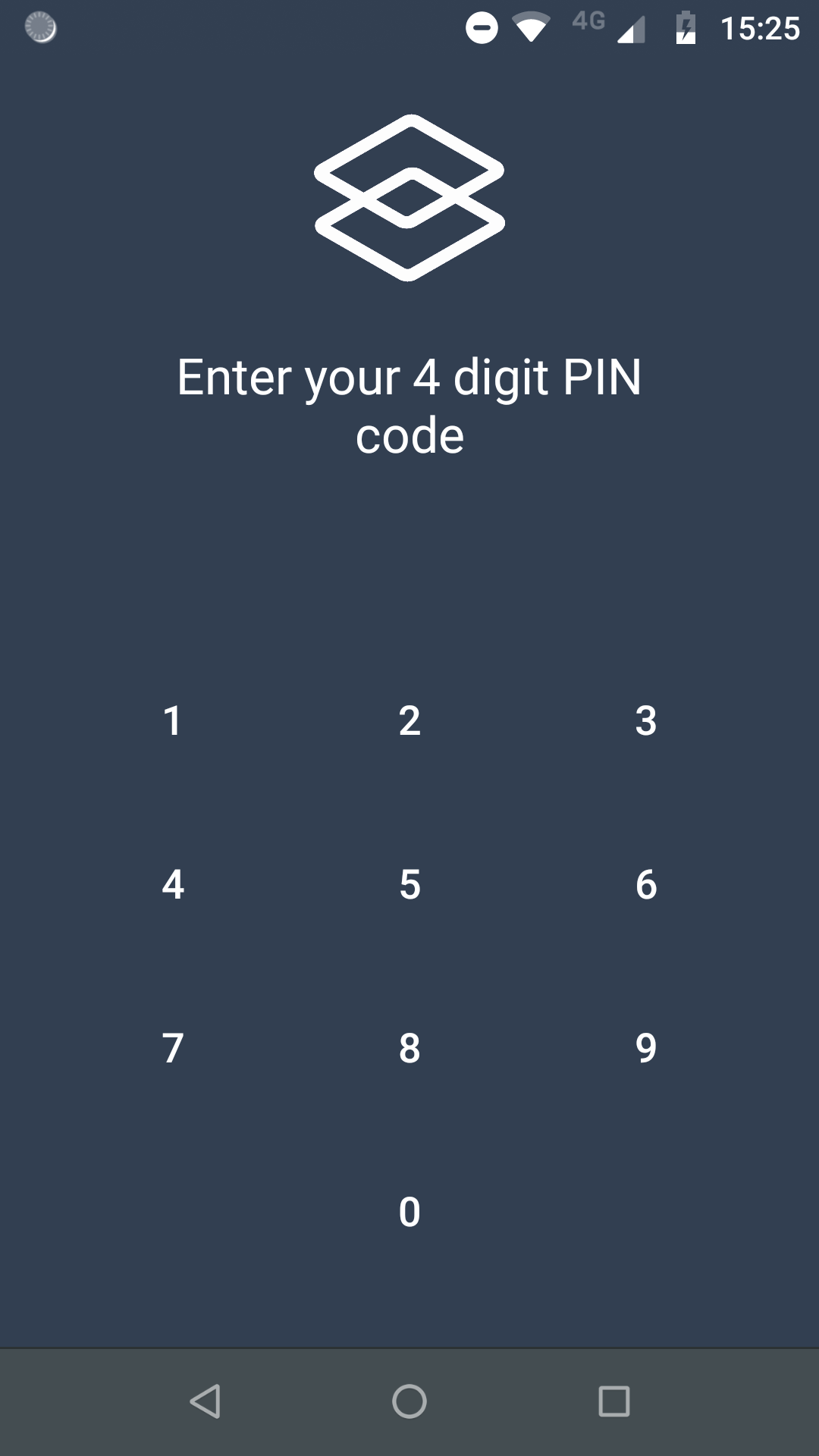
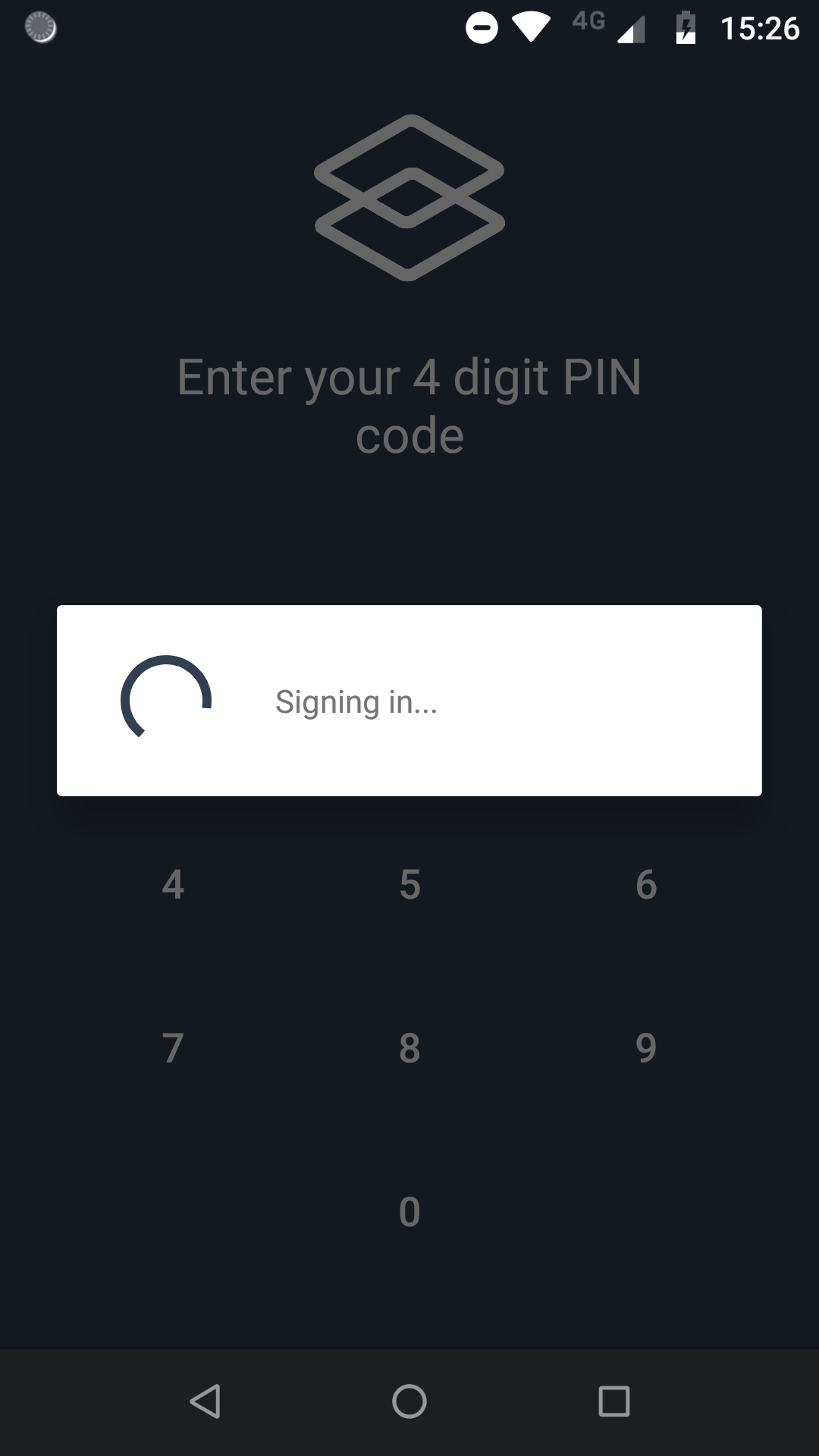
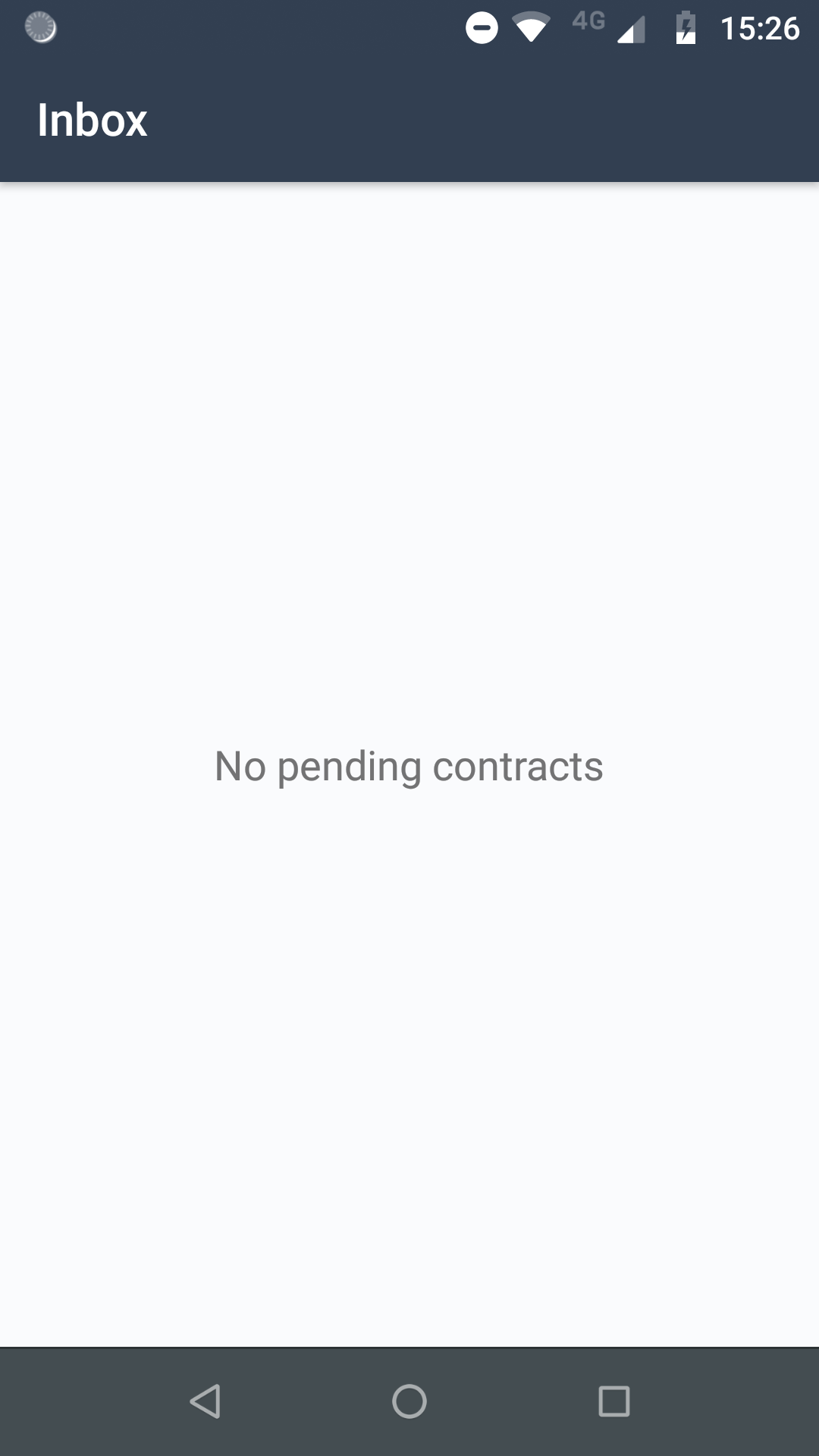
On Android, the fragmentation of the existing devices makes it difficult to rely only on the biometric authentication system, as not all devices support it. A PIN code fallback has been implemented to support a wide range of devices. The user is prompted to choose a PIN code during the enrollment. When the user wants to authenticate into the app, he will be able to use its PIN code or to use the fingerprint if available.
 |  |  |  |
|---|
Supported workflow types
Let's Sign app provides different views to support different kinds of payload, depending to the use-case.
The view to display depends on the contract's type attribute.
 |  |
|---|---|
 |  |
 |
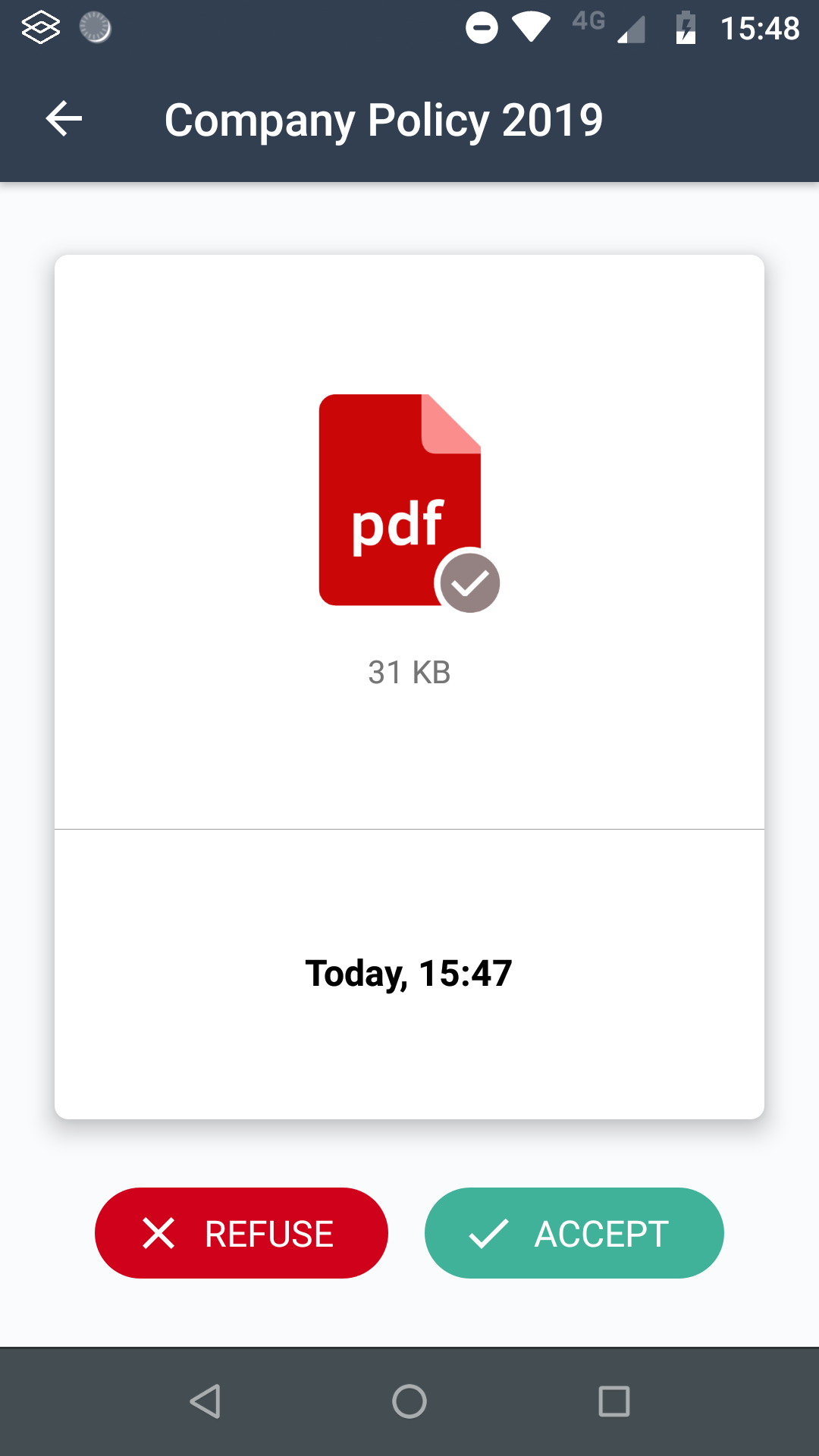
This workflow allows the user to download and read a PDF document and accept or refuse its content.
Contract's type : PDF
Possible responses : ACCEPT or REFUSE
Payload format
Base64-encoded PDF file
Login
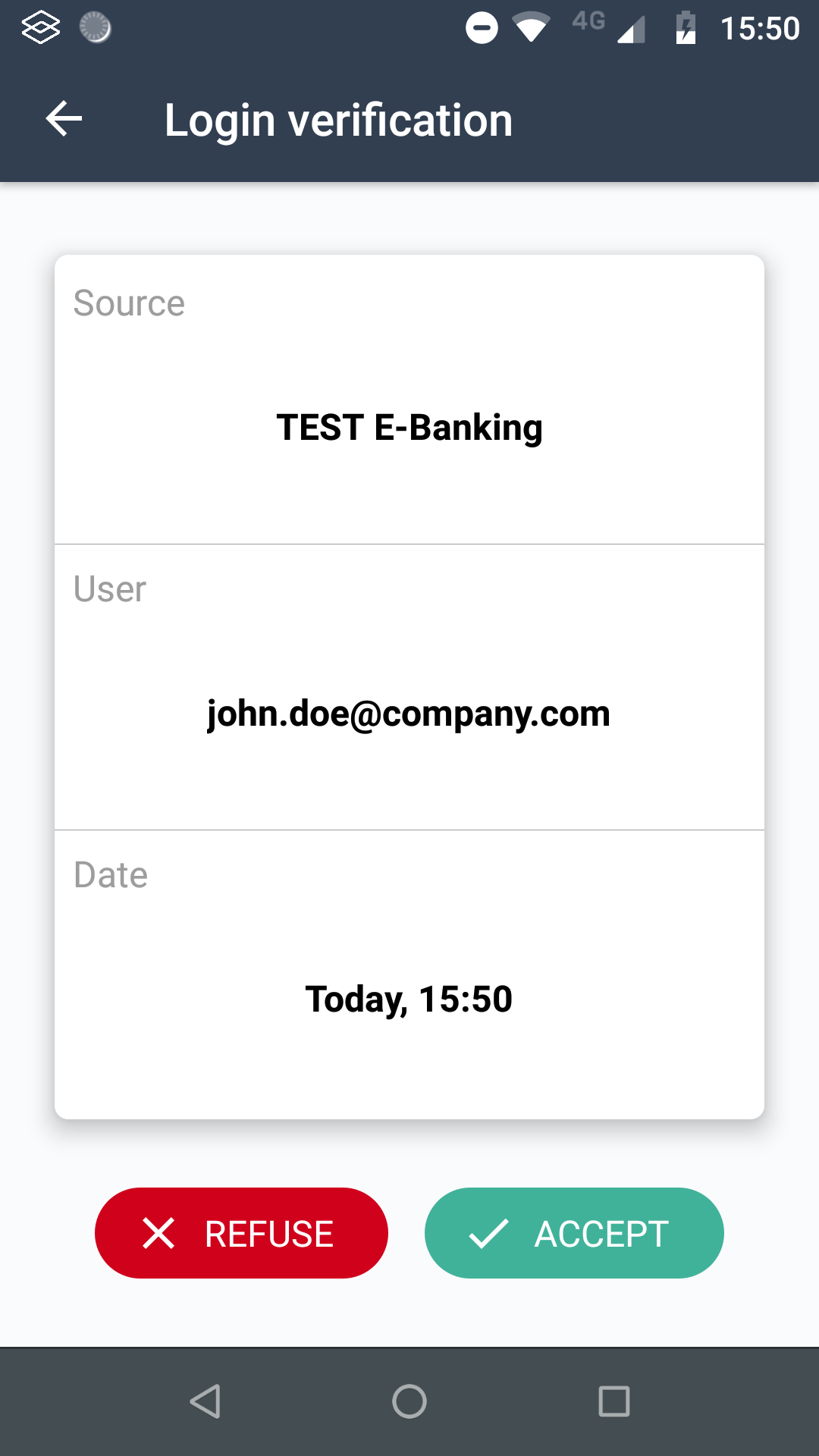
This workflow allows the user to accept or refuse a login tentative. This is particularly useful for Two factor authentication use cases.
Contract's type : LOGIN
Possible responses : ACCEPT or REFUSE
Payload format
Base64-encoded JSON string which contains the following keys :
- user : The username which is currently trying to log in.
- source : The name of the application / website the user is trying to connect to.
Example :
{
  "user":"username",
  "source":"server.example.com"
}
Base64-encoded representation :
ew0KICAidXNlciI6InVzZXJuYW1lIiwNCiAgInNvdXJjZSI6InNlcnZlci5leGFtcGxlLmNvbSINCn0=Wire Transfer
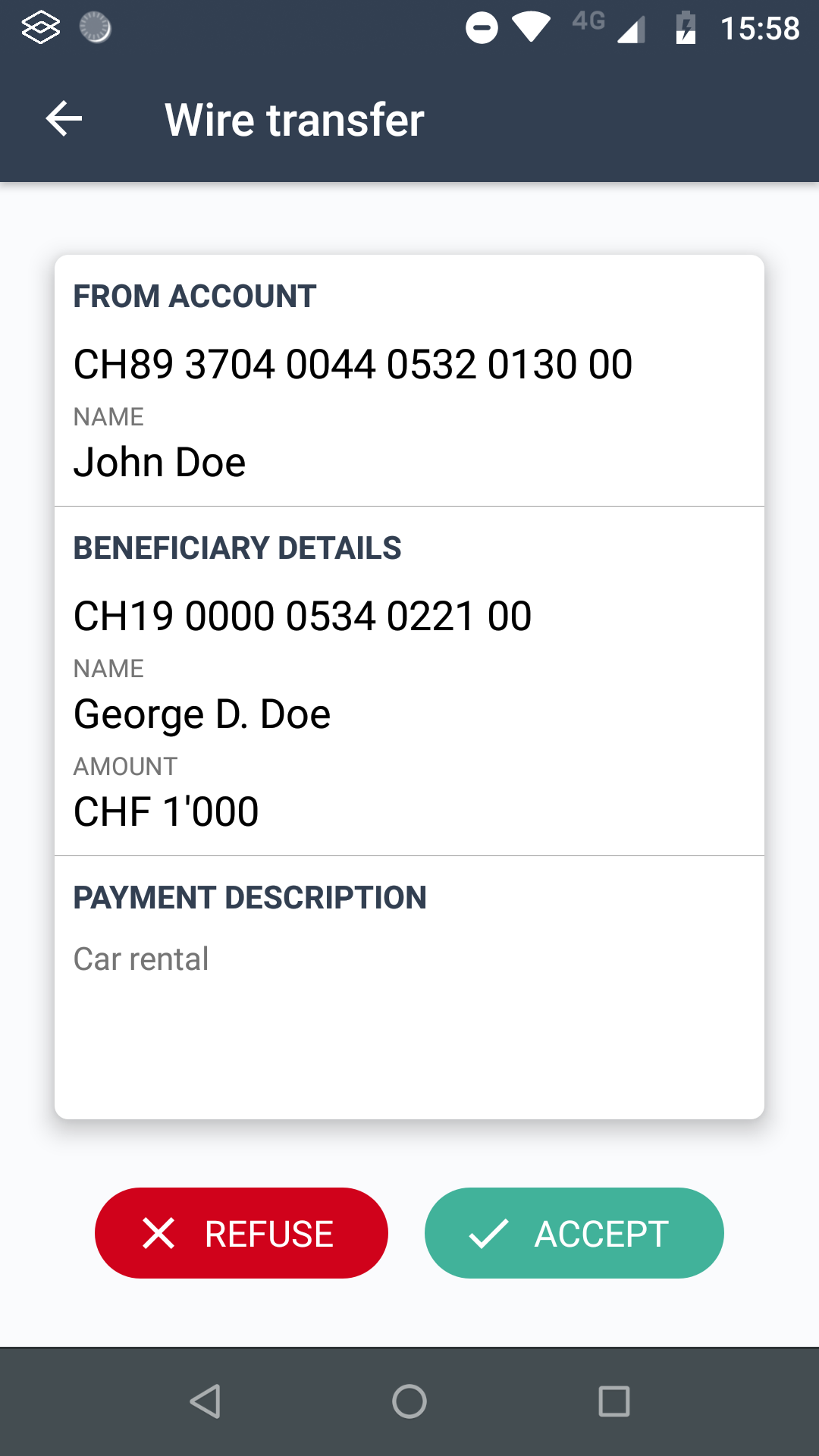
This workflow allows the user to accept or refuse a wire transfer.
Contract's type : WIRE_TRANSFER
Possible responses : ACCEPT or REFUSE
Payload format
Base64-encoded JSON string which might contains the following keys :
- fromAccount : String
- fromAccountName : String
- fromAccountBalance : A string representing the amount. It is displayed "as is" so it can be already formatted
- fromAccountCurrency : Short code or symbol representing the currency
- beneficiaryAccount : String representing the amount. It is displayed "as is" so it can be already formatted
- beneficiaryAccountName : String
- paymentCurrency : A string representing the short code or symbol representing the currency
- paymentAmount : A string representing the amount. It is displayed "as is" so it can be already formatted
- paymentDescription : String
- executionDate : Unix timestamp in milli seconds
None of these fields are required. Empty or missing field will be ignored and not displayed by the mobile app.
Example :
{
  "fromAccount" : "CH20 0000 0000 0000 0000 1",
  "fromAccountName" : "John Doe",
  "fromAccountBalance" : "24'032",
  "fromAccountCurrency" : "CHF",
  "beneficiaryAccount" : "CH20 0000 0000 0000 0000 2",
  "beneficiaryAccountName" : "Jane Doe",
  "paymentCurrency" : "CHF",
  "paymentAmount" : "1'000",
  "paymentDescription" : "My description",
  "executionDate" : "1535518646519"
}
Base64-encoded representation :
eyAgCiAgICJmcm9tQWNjb3VudCI6IkNIMjAgMDAwMCAwMDAwIDAwMDAgMDAwMCAxIiwKICAgImZyb21BY2NvdW50TmFtZSI6IkpvaG4gRG9lIiwKICAgImZyb21BY2NvdW50QmFsYW5jZSI6IjI0JzAzMiIsCiAgICJmcm9tQWNjb3VudEN1cnJlbmN5IjoiQ0hGIiwKICAgImJlbmVmaWNpYXJ5QWNjb3VudCI6IkNIMjAgMDAwMCAwMDAwIDAwMDAgMDAwMCAyIiwKICAgImJlbmVmaWNpYXJ5QWNjb3VudE5hbWUiOiJKYW5lIERvZSIsCiAgICJwYXltZW50Q3VycmVuY3kiOiJDSEYiLAogICAicGF5bWVudEFtb3VudCI6IjEnMDAwIiwKICAgInBheW1lbnREZXNjcmlwdGlvbiI6Ik15IGRlc2NyaXB0aW9uIiwKICAgImV4ZWN1dGlvbkRhdGUiOjE1MzU1MTg2NDY1MTkKfQ==Starting from Let's Sign 2.5.0, it's possible to accept or refuse multiple wire transfers at once. The payload should simply contain an array of JSON objects representing the wire transfers.
Example :
[
  {
    "fromAccount" : "CH20 0000 0000 0000 0000 1",
    "fromAccountName" : "John Doe",
    "fromAccountBalance" : "24'032",
    "fromAccountCurrency" : "CHF",
    "beneficiaryAccount" : "CH20 0000 0000 0000 0000 2",
    "beneficiaryAccountName" : "Jane Doe",
    "paymentCurrency" : "CHF",
    "paymentAmount" : "1'000",
    "paymentDescription" : "My description",
    "executionDate" : "1535518646519"
  },
  {
    "fromAccount" : "CH20 0000 0000 0000 0000 1",
    "fromAccountName" : "John Doe",
    "fromAccountBalance" : "24'032",
    "fromAccountCurrency" : "CHF",
    "beneficiaryAccount" : "CH20 0000 0000 0000 0000 3",
    "beneficiaryAccountName" : "John Smith",
    "paymentCurrency" : "$",
    "paymentAmount" : "5'000",
    "paymentDescription" : "My description",
    "executionDate" : "1535518646519"
  }
]
Base64-encoded representation :
WwogIHsKICAgICJmcm9tQWNjb3VudCIgOiAiQ0gyMCAwMDAwIDAwMDAgMDAwMCAwMDAwIDEiLAogICAgImZyb21BY2NvdW50TmFtZSIgOiAiSm9obiBEb2UiLAogICAgImZyb21BY2NvdW50QmFsYW5jZSIgOiAiMjQnMDMyIiwKICAgICJmcm9tQWNjb3VudEN1cnJlbmN5IiA6ICJDSEYiLAogICAgImJlbmVmaWNpYXJ5QWNjb3VudCIgOiAiQ0gyMCAwMDAwIDAwMDAgMDAwMCAwMDAwIDIiLAogICAgImJlbmVmaWNpYXJ5QWNjb3VudE5hbWUiIDogIkphbmUgRG9lIiwKICAgICJwYXltZW50Q3VycmVuY3kiIDogIkNIRiIsCiAgICAicGF5bWVudEFtb3VudCIgOiAiMScwMDAiLAogICAgInBheW1lbnREZXNjcmlwdGlvbiIgOiAiTXkgZGVzY3JpcHRpb24iLAogICAgImV4ZWN1dGlvbkRhdGUiIDogIjE1MzU1MTg2NDY1MTkiCiAgfSwKICB7CiAgICAiZnJvbUFjY291bnQiIDogIkNIMjAgMDAwMCAwMDAwIDAwMDAgMDAwMCAxIiwKICAgICJmcm9tQWNjb3VudE5hbWUiIDogIkpvaG4gRG9lIiwKICAgICJmcm9tQWNjb3VudEJhbGFuY2UiIDogIjI0JzAzMiIsCiAgICAiZnJvbUFjY291bnRDdXJyZW5jeSIgOiAiQ0hGIiwKICAgICJiZW5lZmljaWFyeUFjY291bnQiIDogIkNIMjAgMDAwMCAwMDAwIDAwMDAgMDAwMCAzIiwKICAgICJiZW5lZmljaWFyeUFjY291bnROYW1lIiA6ICJKb2huIFNtaXRoIiwKICAgICJwYXltZW50Q3VycmVuY3kiIDogIiQiLAogICAgInBheW1lbnRBbW91bnQiIDogIjUnMDAwIiwKICAgICJwYXltZW50RGVzY3JpcHRpb24iIDogIk15IGRlc2NyaXB0aW9uIiwKICAgICJleGVjdXRpb25EYXRlIiA6ICIxNTM1NTE4NjQ2NTE5IgogIH0KXQ==Advisory
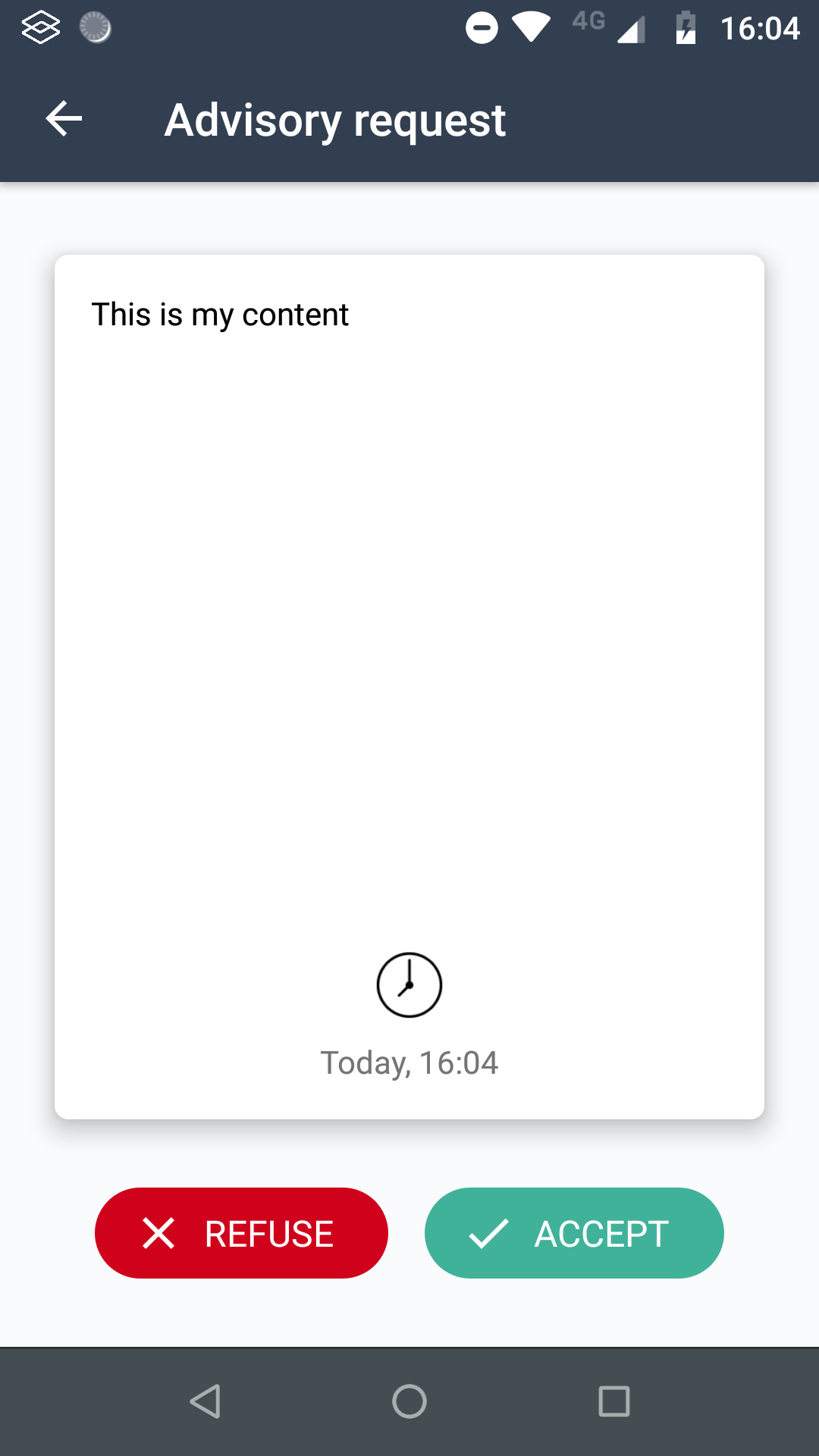
The advisory use case aims to send a generic question to the user, his decision (accept or refuse) will be digitally signed.
Contract's type : ADVISORY
Possible responses : ACCEPT or REFUSE
Payload format
Base64-encoded JSON string which contains the following keys :
- content : The text to be displayed
Example :
{
  "content":"This is my content"
}
Base64-encoded representation :
ew0KICAiY29udGVudCI6IlRoaXMgaXMgbXkgY29udGVudCINCn0=Request
This workflow allows to show a text to the user and give him the possibility acknowledge it or reply with a message and attachments.
If the user has acknowledged the contract without sending a message, the response field will be set to acknowledged. If the user has replied to the contract with a message, the response field will be set to replied.
Once the response is received, a callback containing the whole Contract and its responses is posted to the callbackURL, if provided.
The user's message is available in the data field of the response, which is a JSON object with the following format :
{
    "payload": "original payload",
    "message": "User's message",
    "attachments": [
      {
        "data":"base64EncodedImage",
        "mediaType":"image/jpeg",
        "message":"comment"
      },
      {
        "data":"base64EncodedImage",
        "mediaType":"image/jpeg",
        "message":"comment2"
      }
    ]
}
Contract's data
workflowId : standard
type : REQUEST
callbackURL : Callback URL on which the contract with the response will be sent
metaData :
title: Contract's titledescription: Contract's descriptionallowReply: ["true" | "false"] Enable / Disable the possibility to reply with a message.
payload : Base64-encoded JSON string which contains the following keys :
- content : The text to be displayed
Example :
{
  "content":"This is my content"
}
Examples
POST /workflow/api/admin/contracts
Content-Type: application/json
Authorization: Basic YWRtaW46YWRtaW4=
Host: localhost:9080
Body:
{
	"type":"REQUEST",
	"workflowId":"standard",
	"callbackURL" :"http://localhost:9080/callback",
	"usernames":[
		"username"
	],
	"metaData" : {
		"title" : "Contract title",
		"description" : "Contract description",
		"allowReply" : "true"
	},
	"payload" : "ew0KICAiY29udGVudCI6IlRoaXMgaXMgbXkgY29udGVudCINCn0="
}
Notification
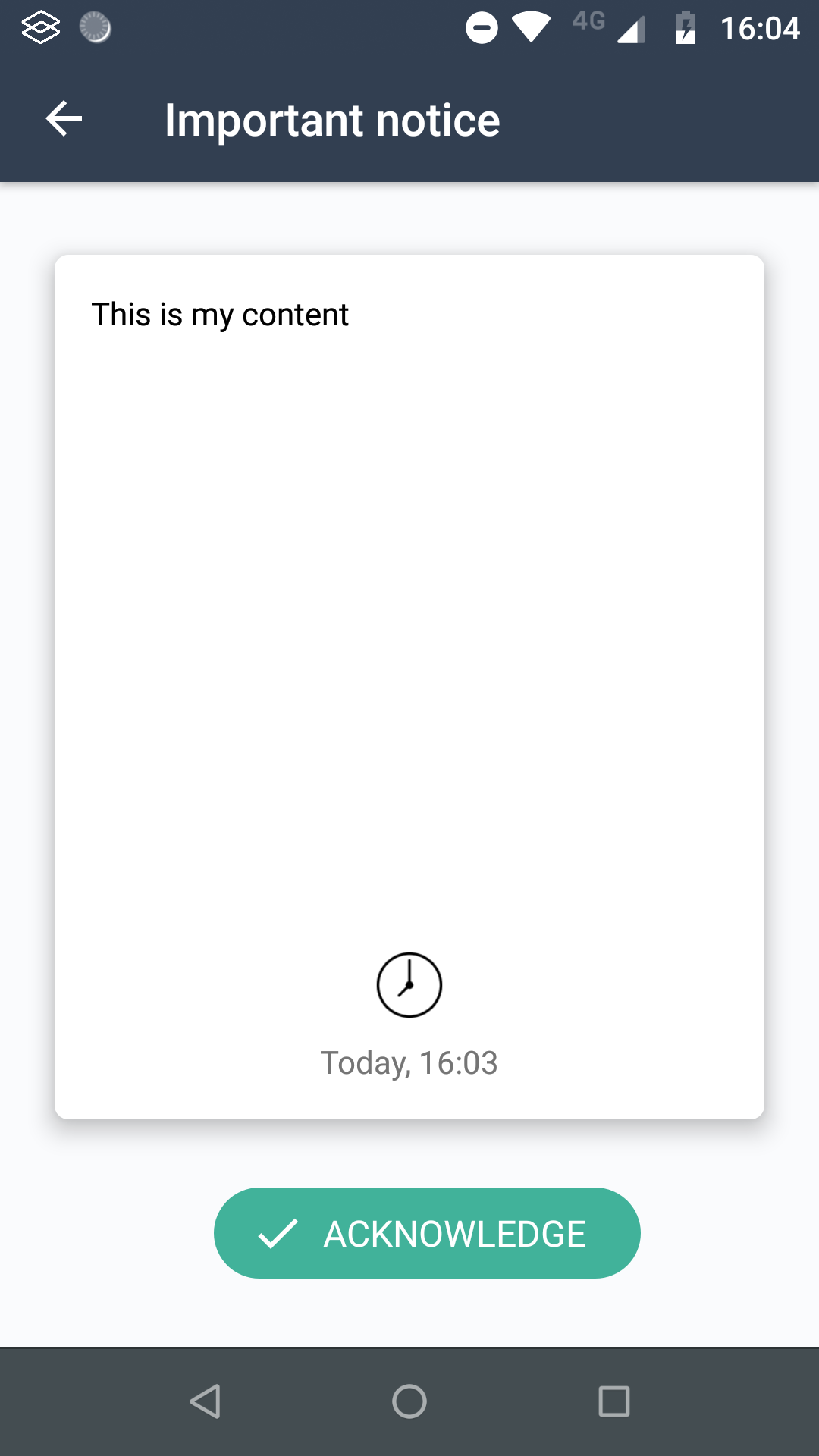
The goal of the notification use case is to inform the user of anything, the user can acknowlege it. In instance, it can be used for notifying that a transaction has been processed.
Contract's type : NOTIFICATION
Possible responses : ACKNOWLEDGE
Payload format
Base64-encoded JSON string which contains the following keys :
- content : The text to be displayed
Example :
{
  "content":"This is my content"
}
Base64-encoded representation :
ew0KICAiY29udGVudCI6IlRoaXMgaXMgbXkgY29udGVudCINCn0=Website
This workflow allows to show HTML loaded from an URL to the user. It can be typically used to prompt a user to fill an HTML form.
The URL and its external resources will be loaded through the SENSE proxy. Those resource URLs may be allowed in administration console. There is no navigation limitation in the webview, this is the website's responsibility to notify the mobile app when the response should be sent by sending an HTTP redirect.
The HTTP redirect path should end with the smartcontract/response. By default, the mobile app will send the response acknowledged, but a custom response value can be provided by setting the parameter value in the redirect url. Eg. : smartcontract/response?value=submitted.
@PostMapping("/submit")
public void post(@ModelAttribute("Form") Form formData, HttpServletResponse response) {
  // Handle form values
  response.setStatus(HttpStatus.FOUND.value());
  response.setHeader("Location", "smartcontract/response?value=submitted");
}
Once the response is received, a callback containing the whole Contract and its responses is posted to the callbackURL, if provided.
The response value can be either acknowledged (default value) or any value provided in the URL redirection.
Contract's data
workflowId : standard
type : WEBSITE
callbackURL : Callback URL on which the contract with the response will be sent
metaData :
title: Contract's titledescription: Contract's description
payload : Base64-encoded URL of the website
Examples
POST /workflow/api/admin/contracts
Content-Type: application/json
Authorization: Basic YWRtaW46YWRtaW4=
Host: localhost:9080
Body:
{
	"type":"WEBSITE",
	"workflowId":"standard",
	"callbackURL" :"http://localhost:9080/callback",
	"usernames":[
		"username"
	],
	"metaData" : {
		"title" : "Contract title",
		"description" : "Contract description"
	},
	"payload" : "aHR0cDovL2xvY2FsaG9zdDo4MDgwL2Zvcm0="
}
HTML
The HTML use case aims to send a generic content to the user, his decision (accept or refuse) will be digitally signed.
Contract's type : HTML
Possible responses : ACCEPT or REFUSE
Payload format
Base64-encoded HTML. The HTML data must be UTF-8 encoded.
Example :
<html><body><h1>Hello World !</h1></body></html>Base64-encoded representation :
PGh0bWw+PGJvZHk+PGgxPkhlbGxvIFdvcmxkICE8L2gxPjwvYm9keT48L2h0bWw+Branding
Let's Sign app can be customized with your company's branding and published in your own app stores to provide a seamless experience between your different applications.